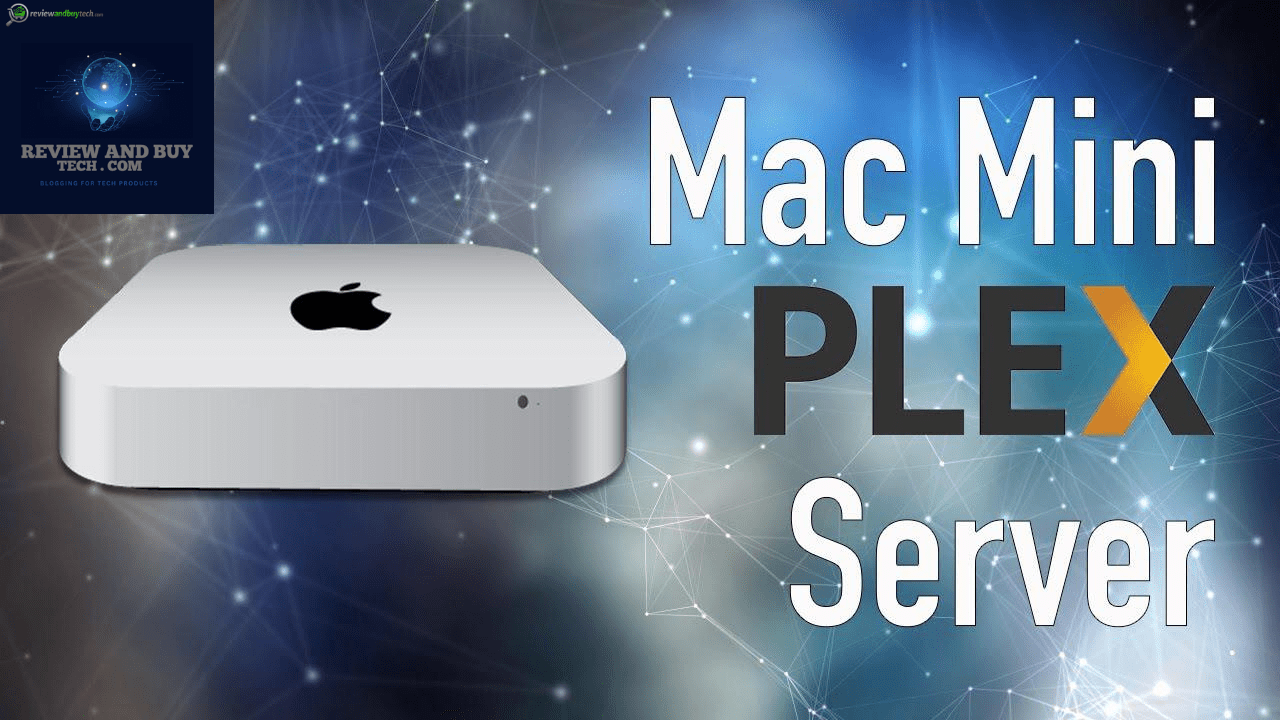
Introduction Mac Mini Plex Server
One of the simplest and most effective methods to have the Mac Mini media collection organized as well as streamed and available for enjoyment is to transform it into an Plex server. Plex Media Server provides an easy-to-use app-based solution for managing your movies, TV shows, music, and photos, and the Mac Mini provides a great machine for running it around the clock. Whether M1, M2, or later, the Mac Mini Plex Server can provide easy local or remote streaming with stable performance and low power consumption.
This guide offers a step-by-step pathway for new users or general home users to install Plex on a Mac Mini, configure libraries, and enhance playback performance. This will teach you about how Plex treats Direct Play, Direct Stream, and transcoding, and what performance to expect from various Mac Mini models. This will leave you with a fully functional, simple setup to stream your content anywhere by the end.
Selecting a Mac Mini Plex Server
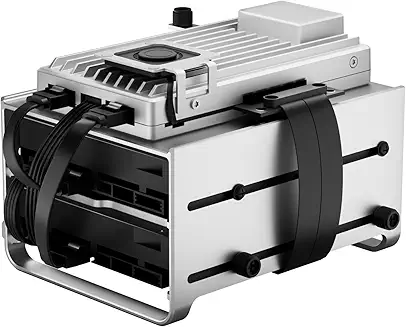
Media Server setting up Plex Media Server using Mac Mini in-home media-server The Mac Mini has emerged as an ideal option for anyone looking to create a media server, and here are three reasons why:
1. Utility: The Mac Mini packs a lot of power in a compact form factor, serving as an effective home server.
2. Must Run 24/7: We’re pretty much going to use the Mac Mini all day long so it can’t suck too much power, meaning we want something low-power.
3. Stable Operating System: Stable Operating system is very important the server should be such that it runs every time not crashes particularly when you are watching movies. No wonder then, that a Mac Mini Plex server is becoming the preferred choice of home theatre enthusiasts. It’s compact enough to fit in a corner of a desk yet capable enough to run the all encompassing Plex library with no complaints. It’s nearly silent when compared with larger computers and consumes a small amount of power.
This makes it ideal to stream all day. Plex is great on macOS: It’s easy to set up, and the system held up more than well enough under the stress of streaming to multiple devices at once. On a smart TV, tablet, gaming console, or even a phone, the Mac Mini can play content seamlessly usually transcoding it when necessary. The greatest upside, however, is the flexibility: you can connect huge external drives, establish shared libraries and even allow friends and family to stream directly from your server.
Top Mac Mini Models for Plex (2026)
I’ve found that comparing models is a good strategy to find out which Mac Minis to buy when you use it as a Mac Mini Plex Server. Here’s a simple breakdown:
Mac Mini M1 ( Cheapest Option)
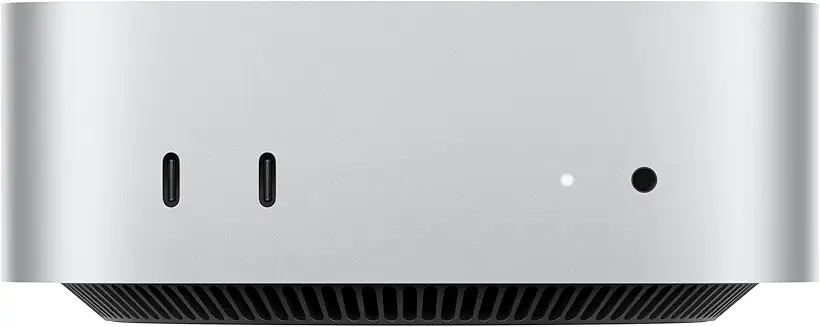
If you want to spend the least amount of money Hadarac and While You Will not a fan of tablets, but would like a more Compact Desk Top na rooks acute ready for what happened.
The cheapest way to create a strong Plex Server is with an M1 Mac Mini. It does a great job with Direct Play, passes through most HD streaming services, and runs cool and quiet. Ideal for condominiums or a single person.
Mac Mini M2 (Best Overall Bang for Your Buck)
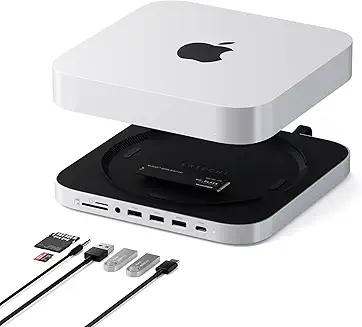
For those who want an even bigger performance bump, the M2 version delivers a healthy boost. It excels with many concurrent streams, large libraries, and the occasional 4K transcode. This is the optimal balance between long-term reliability and not too much cash.
Mac Mini M4 (Top-Tier Performance)
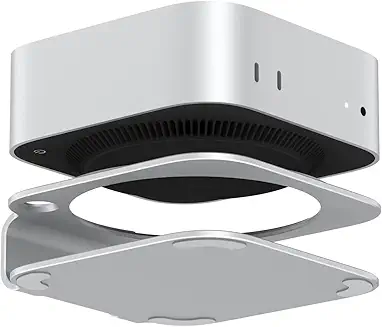
M4 Mac Mini Available Apple says this is the latest model and the fastest of the M4s; perfect for power users. Easier hardware acceleration, faster media scanning, and superior transcoding enable it to support multiple remote clients and 4K files.
How To: Install Plex Media Server of macOS

Setting up a Mac Mini Plex server seems to be a daunting task, however, that is far from the truth. Download Plex Media server for macOS In the process of writing this, Step 1 The first step is to download Plex Media Server from the official Plex website. Once downloaded, you need to double click the installer and follow the instructions to install it.
After you install Plex, open it and either create an account for free, or log in if you have an account already. This account will allow you to access your media on your local network or remote. Once this step has been done, you will then want to gather your media libraries. Set up a folder structure for Movies, TV Shows, Music and Photos, and the scanner can find metadata faster. These are the folders Plex scans by default to pull in titles, posters, and descriptions..
Use & Setup for External Data Storage
Storage is an important factor with a Mac Mini Plex server, especially if you have lots of movies or a large TV library. The internal SSD is speedy, but it quickly runs out of space. External drives USB-C, Thunderbolt, or USB 3.0 SSDs. I have enough capacity without slowing your server down.
Here are some best practices to remember when configuring external storage. First, you will need to structure your files into the relevant folders for Movies, TV Shows and Music so that Plex can pull the correct Metadata and Cover Art. Avoid mixing up and saving files like garbage; it will confuse Plex and show the library wrongly.
Another option is to use the APFS or EXFAT format to improve compatibility and speed. SSDs are better because you can scan large libraries much faster, but if you are looking to save money, you can use HDDs as well. Last but not least, do not unplug your external drive while Plex is running to avoid library errors.
Power & Sleep Configuration Mac Mini Plex Server
This is great if you are hosting your Mac Mini Plex Server’s , but the problem with most new Plex users is that their Mac Mini Plex server sometimes puts the computer to sleep, preventing streaming or updating libraries. This can be easily avoided by correctly disabling your power and sleep settings in macOS.
In System Settings → Battery → Energy Saver set Mac Mini to not sleep when plugged in tick “Prevent computer from sleeping automatically when the display is idle. External drives: Do not allow sleep or spin-down; these drives should not be disconnected or paused as it will sever Plex’s ability to see your media.
If you want to remote stream, these changes are critical; your server will need to be 24/7. While a UPS or at least a surge protector ensures your Mac Mini never turns off, it also helps keep your M1 Mac Mini safe from power surges as well. Mac Mini Plex Server can run forever when set up correctly and should be seamless and available when you need it.
Advanced Features For Power Mac Mini Plex Server
After you have your Mac Mini Plex server up and running, you can dive into advanced features to fully maximize your setup. Plex Pass: The premium subscription which unlocks hardware-accelerated transcoding so your Mac Mini can run as many high-quality streams as possible without breaking a sweat. It also packs a bunch of improvements, including Live TV, mobile sync for offline viewing, and DVR recording.
So, for all the automation lovers out there, applications such asSonarr or Radarr or Plex Auto-Organize will do all the work for you by automatically grabbing your content and keeping your media libraries in sync with hardly any action needed from you. You can even make each user with different access levels thus securely sharing your plex with family and friends.
Even further down in the power-user tricks section are goodies like metadata optimization, scheduled library scans, and music streaming service integrations. These options make your Mac Mini Plex server a full-fledged media hub fit for pros.
Troubleshooting & Common Problems Mac Mini Plex Server
Your Mac Mini Plex server could run into problems here and there, even if everything is set up as well as possible. A common Plex problem is when it fails to recognize external drives. Have your drives formatted correctly (APFS or EXFAT), and do not disconnect them while Plex is running.
A different frequent issue is that they neglect cut off backed up. For remote access to work, be sure that Plex can connect to\your router and has port forwarding configured correctly. In this scenario, you may experience slow or unstable network connection due to multiple users streaming at the same time, buffering or slow playback time. Such instances call for lowering the streaming quality or using Ethernet instead.
Widespread are metadata mismatches related to poorly named files. Having clear folder structures and sticking to Plex’s naming conventions makes it error-proof. Plex logs are extremely useful for troubleshooting unexpected issues. A few tweaks will keep your server stable and streaming without a hitch.
Mac Mini vs NAS vs Cloud Plex Hosting
In fact, some of the points mentioned in this article are already covered when comparing a Mac Mini for building a Plex server with other options, such as NAS (Network-Attached Storage) devices or cloud hosting. With its low power consumption, compact design, and efficient handling of multiple streams, a Mac Mini Plex server is a perfect fit for all home use. It would be simple to live and provides full control over your library.
Ideal for larger libraries and automated backups, NAS outshines They run all day without congestion, and are energy efficient, but can throw multiple projects so depending on how well your home is maintained can be slow, you also require more technical know how to set up, that said, the transcoding speed should in theory be slower on a Mac Mini than they are on a custom built machine.
On the other hand, cloud-based Plex hosting provides remote access without the hassle of managing hardware, but it typically involves ongoing fees and may have bandwidth limits. For the most part, for a simple , reliable, reasonably priced, and well-performing Plex server, a Mac Mini tends to be the best combination of fast, flexible, and simple for at-home streaming and remote access.
Best Complementary Add-Ons & Apps Mac Mini Plex Server
The Mac Mini Plex server can take on quite a bit, but if you want to push it to its full potential, you may want to pair it with some complementary tools and apps. Tools like Sonarr and Radarr automatically download, rename, and organize your shows and movies into a neat library.
Install the Plex client apps on your smart TVs, iPhones, iPads, Android devices, or even gaming consoles for streaming to all of those devices. This guarantees that your playback will run smoothly and that you can access it from anywhere in your home or while away from home if remote access is enabled.
Some other helpful tools include media fetchers, which can provide better metadata, subtitle managers, and automation scripts that keep your Mac Mini Plex server optimized. It even lets you link up with music streaming services or use Plex’s mobile sync option for offline viewing. Together with these extensions and your Mac Mini Plex setup, your server becomes an all-around, competent, and family-friendly portal.
(FAQ) For Mac Mini Plex Server
Q1: Any Mac Mini that meets the minimum Plex requirements can run Plex?
Yes! Any Mac Mini can run Plex Media Server but Apple Silicon (M1, M2, M4) handles multi-stream and 4K content better than earlier Intel models.
Q: 2: Identifying whether your storage space is inadequate?
An internal drive is fine for a smaller library, but if you have a lot of media, pay the extra to get an external SSD or HDD, as you may run into not having enough space quickly, and they will allow Plex scans to happen a lot faster.
Q3: Are you able to watch away from the house?
Absolutely. But if you have configured plex with remote access enabled and set up port forwarding to the plex server on your router you can watch your media wherever you go.
Q4: What about transcoding?
Plex has to transcode the videos for devices that don’t support the original format, video transcoding. Indeed, Apple Silicon Macs are even better at transcoding than previous models,
Q5: Is Plex Pass necessary?
capabilities. Plex Pass isn’t necessary, but you may want it for the added hardware-accelerated transcoding, mobile syncing, Live TV, and DVR functionality for your server.
Conclusion For The Mac Mini Plex Server
Perhaps the ultimate use of a Mac Mini Plex server would be to enjoy your media library, locally, and away from home. It is compact, low-power, and can provide stable performance, ideal for everything from novices to power users. No matter if you have an M1, M2 or M4, streaming multiple streams, 4K+ content and hardware transcoding is a breeze.
And once you connect external drives to Plex, create your media folders, and configure all the settings, it is very fast and reliable and will work on all devices. Complementary tools such as Sonarr, Radarr, and Plex clients make the experience even better, with auto-organization and playback.
A Plex solution for everything from sharing with family to streaming remotely or building a complete home theater setup around a Mac Mini is a versatile, future-proof choice. If you’re in the market for a dependable, high-performing, and easy-to-use personal media server, it ranks near the very top.
These information are gathered from different surveys, medical tests and tech giants like google, Techradar and more. Our top priority is to provide you valuable information.
For More Details About Different Mac Mini Click Here